





Reference :
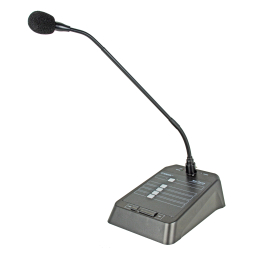
JS-MATRIXMIC
Professionals:
Login
Individuals:
Contact us
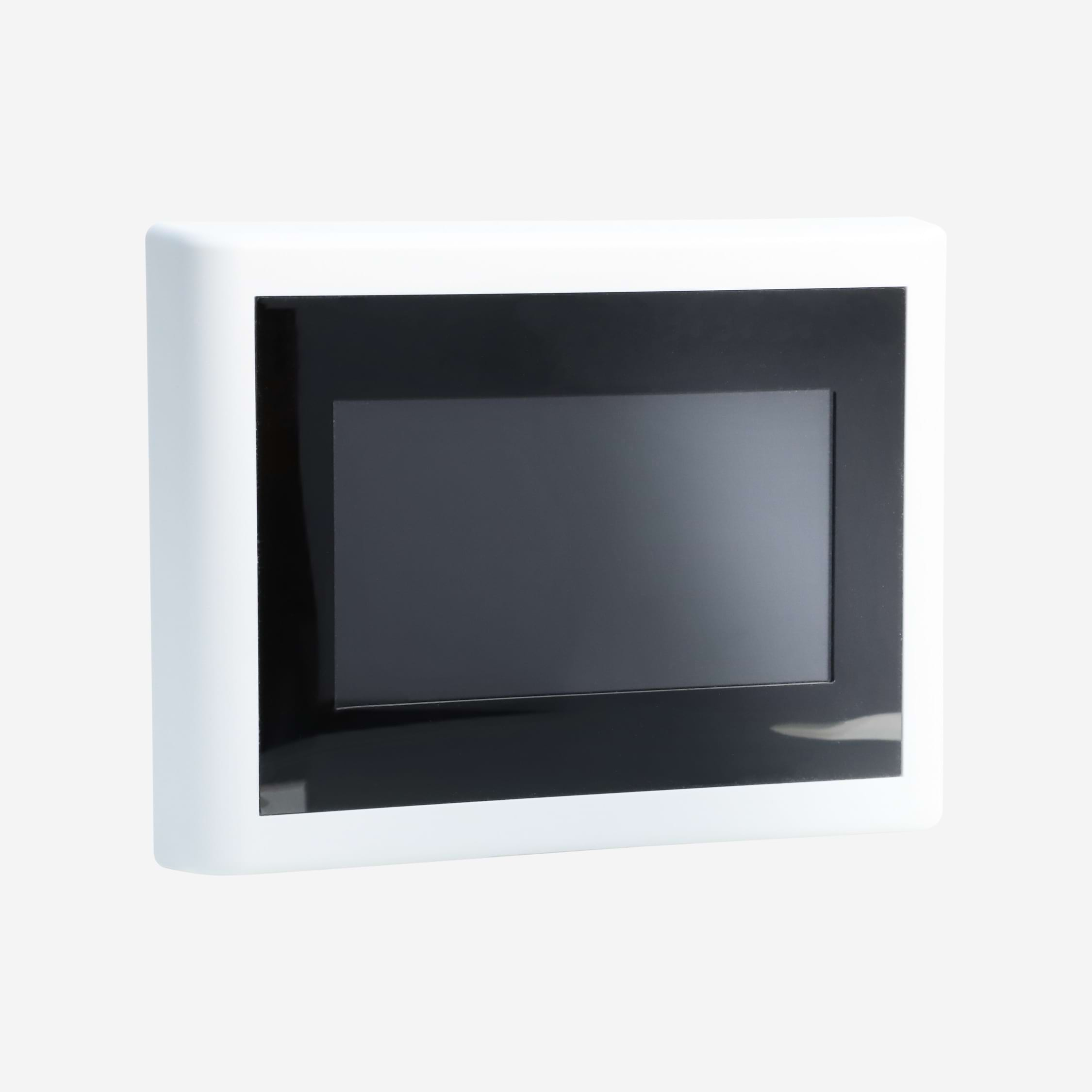
Wall-mounted LCD touchscreen panel for controlling inputs, outputs, scenes and the system
DESCRIPTION
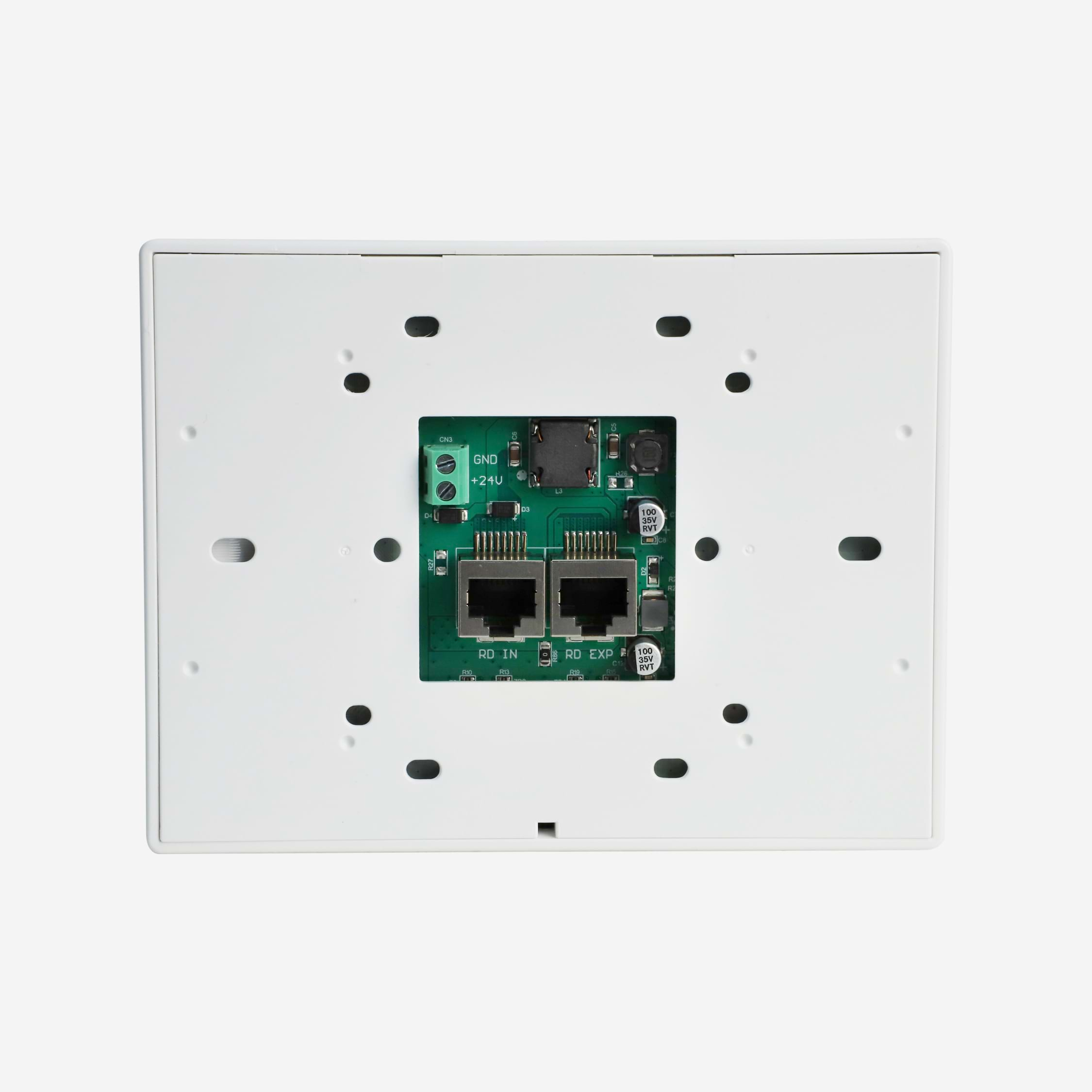
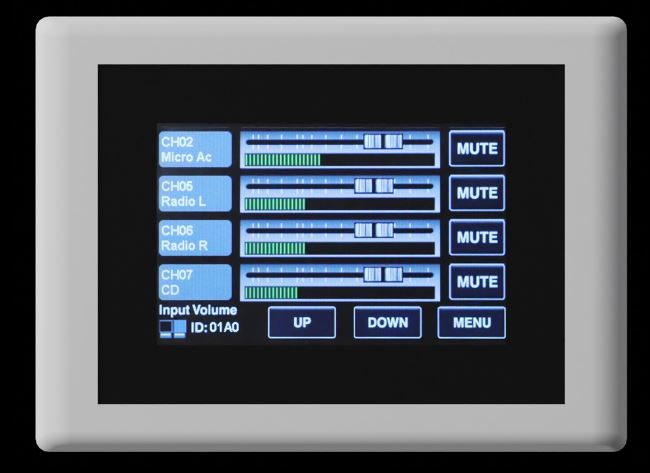
The JS-MATRIXLCD screen allows you to control inputs, outputs, scenes and the system. The system is fully configurable. The names of the inputs and outputs are those created on the matrix software. The case can be locked with a password. On the rear, the box has an RD port for connecting to the matrix or the JS-MATRIXEXPAND*. The second port allows a second controller to be connected in series. Please note that if a second controller is connected, the box must be powered by 24 V DC. *Use CAT5e or CAT6 cable with a maximum length of 100 m.
FEATURES
• Inputs/Outputs • Input control with level adjustment, mute, page selection with UP/DOWN • Scenes are recordings of the matrix configurations that you have saved in the ‘presets’ page of the software • This allows you, for example, tosave a conference room configuration with all the input equalisation settings, matrixing, output levels, priorities, anti-feedback and auto mix. All you need to do is activate the scene using a ‘conference’ preset, for example*Use CAT5e or CAT6 cable with a maximum length of 100 m.
Installation: Compatible with a standard box Dimensions: • Length x Width x Height: 150 x 115 x 25 Screen: • Size: 4.3 inches • Visible dimensions: 95 x 54 mm


Reference :
JS-MATRIXMIC
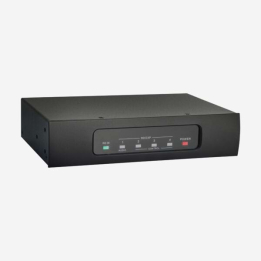
Reference :
JS-MATRIX88EXPAND
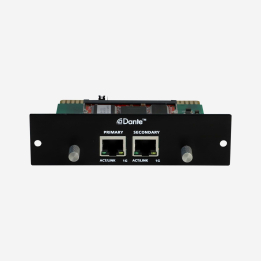
Reference :
JS-MATRIXDANTE
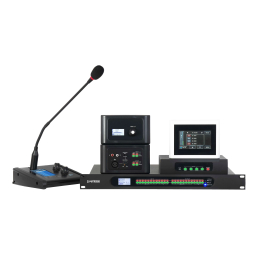
Reference :
JS-MATRIX88
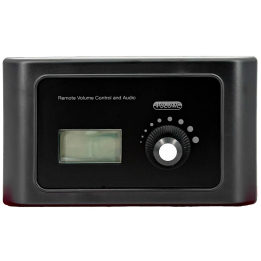
Reference :
JS-MATRIXPM






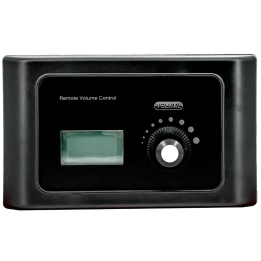
Reference :
JS-MATRIXLINK
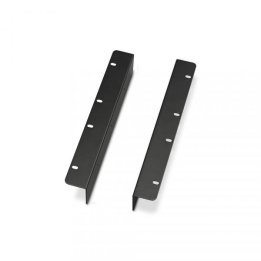
Reference :
EQ 124CX
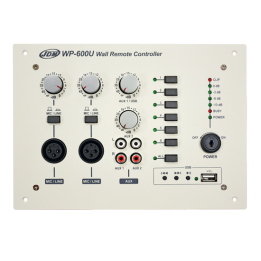
Reference :
WP-600U
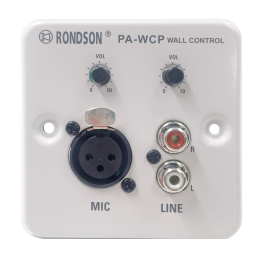
Reference :
PA-WCP
Reference :
MX-PA04
Custom quotes, technical advice, large orders: our team is available to assist with all your business needs...